Three different apps
for your English
Talk with people, practise with an AI tutor or learn new words. Choose the app that fits your goal.
Speak English
with real people
Practise speaking English anytime — free and without limits. Talk with people who want to practise, just like you.
Free and unlimited
Speaking practice with people. No subscription needed.
Download Govar
Button not working?
The social app may block the store from opening.
1. In the page menu (⋯ or Share), choose to open in a browser: Safari on iPhone or Chrome on Android. The option’s name may vary.
2. In your browser, tap the download button again.
No such option? Copy the page address from the social app’s menu and paste it into the address bar in Safari or Chrome.
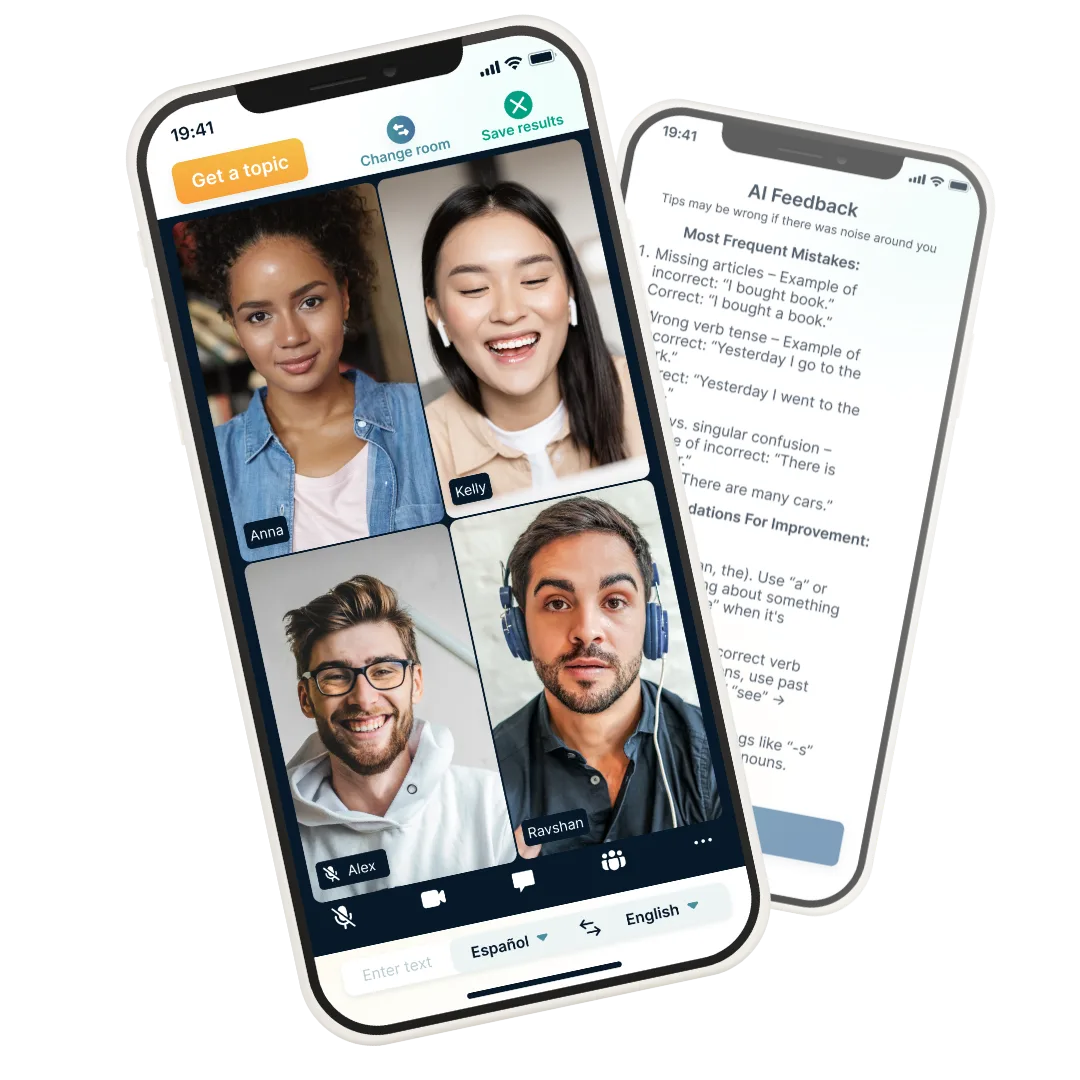
Govar · Speaking practice with people
Practise English
with an AI tutor
Take lessons, have open conversations or roleplay a topic you choose. Your conversation partner is AI.
Your first lesson is free
A paid subscription is required to continue.
Download Vuchy
Button not working?
The social app may block the store from opening.
1. In the page menu (⋯ or Share), choose to open in a browser: Safari on iPhone or Chrome on Android. The option’s name may vary.
2. In your browser, tap the download button again.
No such option? Copy the page address from the social app’s menu and paste it into the address bar in Safari or Chrome.
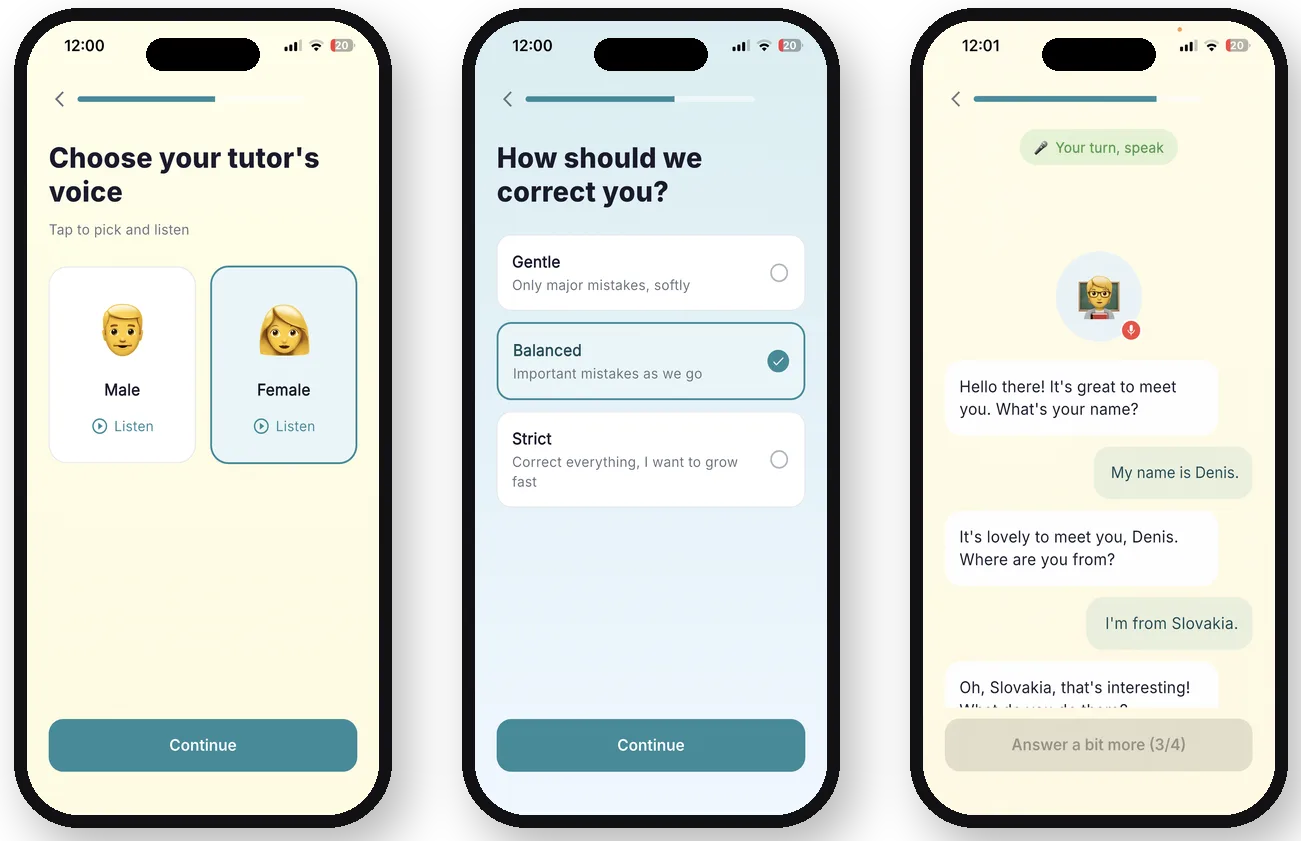
Vuchy · A separate app with a paid subscription
Learn English words
for the topics you need
Choose your level and topic. Pick a new word together with the app, then practise it through questions and answers.
One new word a day, free
Want to learn more words? A paid subscription is available.
Download Skazy
Button not working?
The social app may block the store from opening.
1. In the page menu (⋯ or Share), choose to open in a browser: Safari on iPhone or Chrome on Android. The option’s name may vary.
2. In your browser, tap the download button again.
No such option? Copy the page address from the social app’s menu and paste it into the address bar in Safari or Chrome.
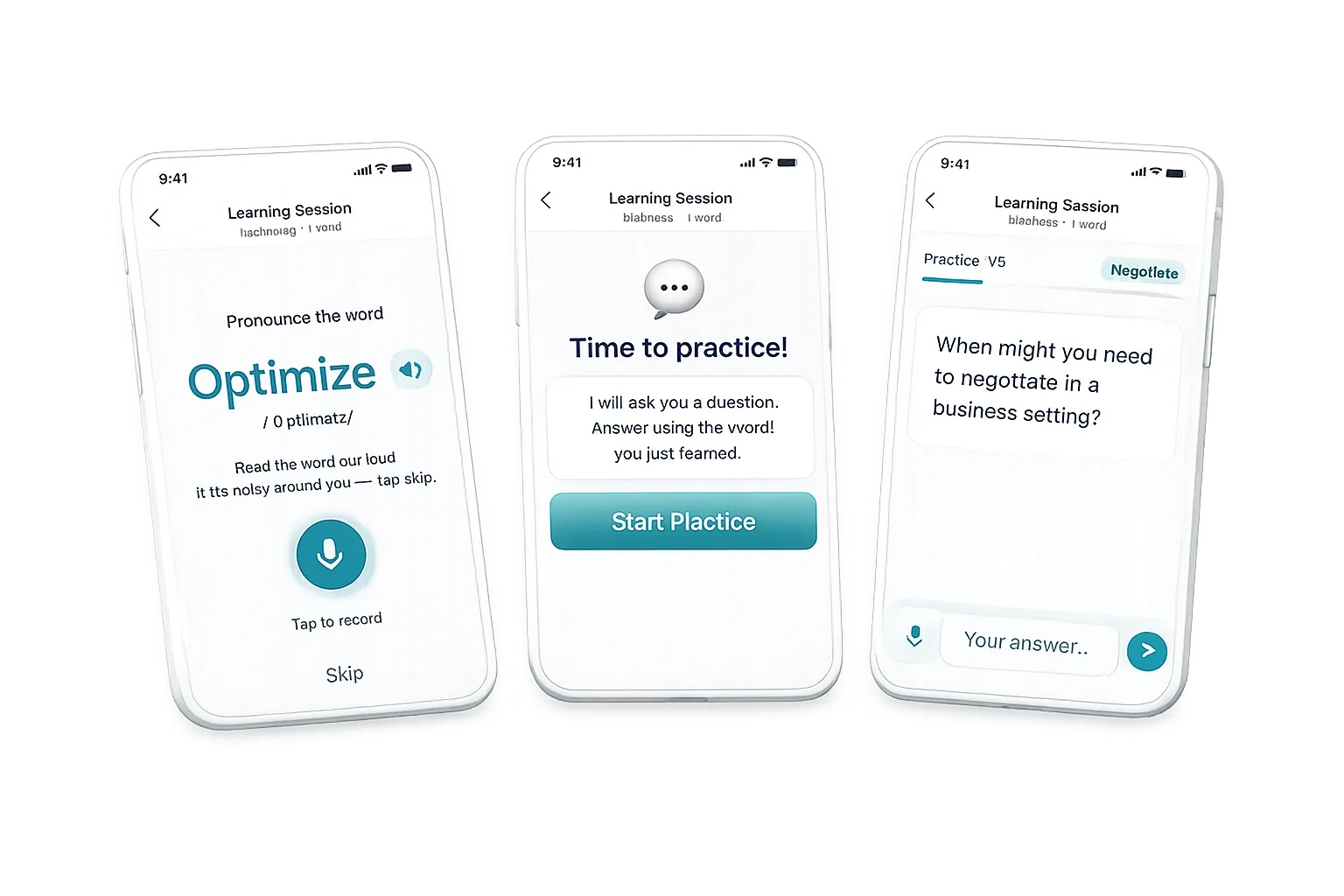
Skazy · Words for your level and chosen topic